 Listin3D
Share the details.
Open a seller account and create your store. Add photos, measurements and PDF floor plans where needed, step by step.
Create a seller account, submit your product’s photos and measurements, and follow the team’s review and production process before publication.
Open a seller account and create your store. Add photos, measurements and PDF floor plans where needed, step by step.
Our team reviews your submission and requests more information if needed. Your model is prepared in a suitable environment and published by an administrator.
Send your product link to customers. They can explore in 3D without an account and visit your sales page to buy.
A 3D product viewer displays a digital model that you can rotate and inspect from different angles. On Listin3D, a published listing combines the available 3D scene with photos, measurements, product details and a seller link.
A virtual showroom places products in a digital setting so you can examine their relationship to a room or surrounding objects. It helps explain the presentation; it does not guarantee real-world fit, exact colors or current stock.
No account is needed to open a public listing or try the interactive examples. Use the share button or copy the product link. On supported devices, the share button opens your device’s sharing menu.
Purchases are completed on the seller’s external shopping page. Listin3D has no checkout or shopping cart in this release. Confirm current prices, availability, delivery and returns with the seller.
No. Submit photos, measurements and any required floor plans. The review and 3D production team prepares the scene before an administrator publishes it. If model uploads are enabled, you can also propose your own GLB model for review. This release does not automatically generate models from photos.
Prepare at least three photos from different angles in JPG, PNG or WebP format. Add measurements and product details. Homes and buildings also require a PDF floor plan. Only submit materials you have the right to share.
The interface adapts to phones, tablets and computers. Interactive scenes require WebGL support and performance depends on the device. Product photos remain available as an alternative when a 3D scene cannot run.
No. A 3D scene is a representation, and dimensions, textures and colors may differ from the real product. Use the seller’s written measurements and photos, and confirm important details before buying.
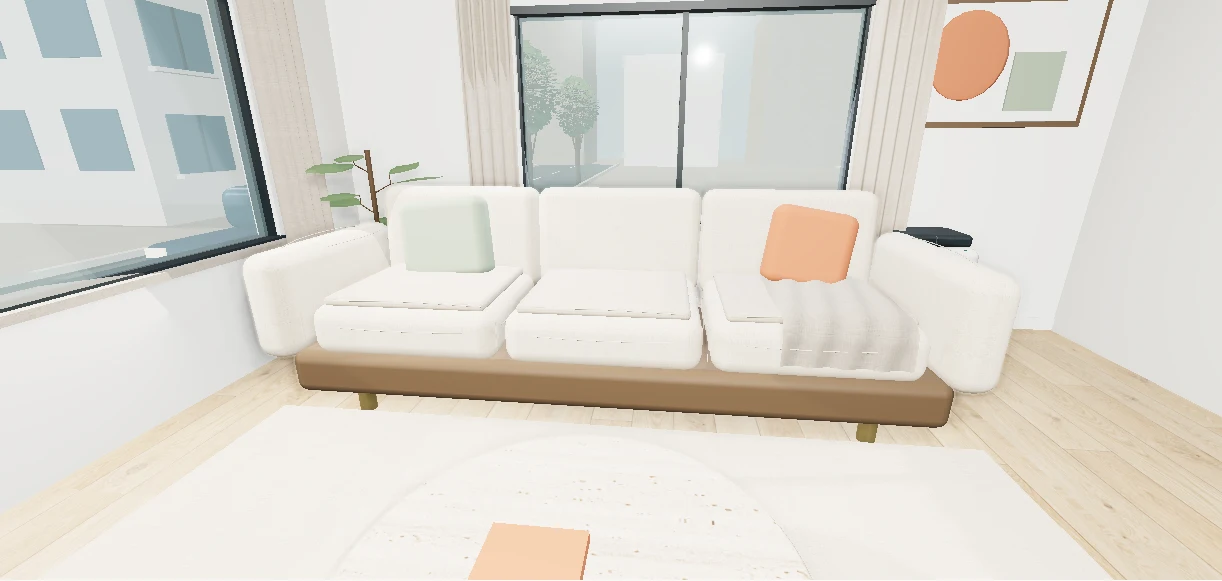
Listin3D’s 3D product visualization service helps sellers present products on a public page with an interactive 3D scene, photos, specifications and a link to their own sales website. Customers open the link in a browser without creating an account. Start with product references, or propose an existing GLB model when model uploads are enabled.
Read the guide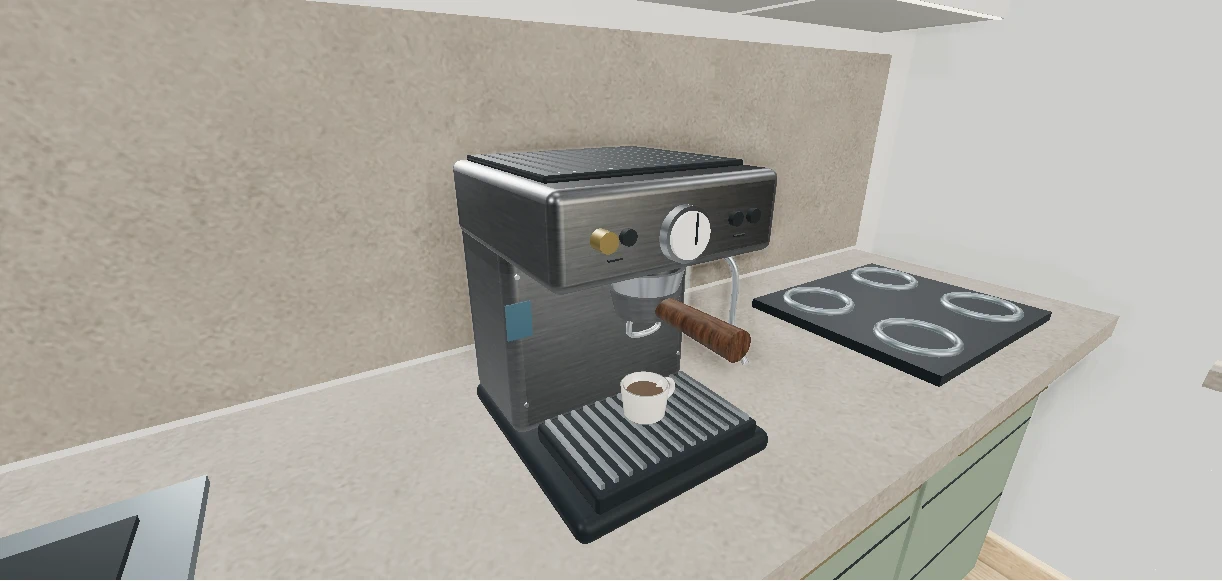
The Listin3D connection lets a compatible assistant search published products and return their 3D page links. With your permission it can also read your favorites and request statuses, save products or prepare a listing draft. Custom connection availability depends on your ChatGPT or Claude account and workspace settings.
Read the guideA 3D product viewer lets you rotate a digital model and inspect it from different angles directly in your browser. It is useful for understanding a product’s form and presentation alongside its photos and written specifications.
Read the guideA virtual showroom is a digital space where visitors can explore products in a surrounding environment. A chair beside a table or an appliance in a kitchen can communicate context that a standalone image leaves out.
Read the guide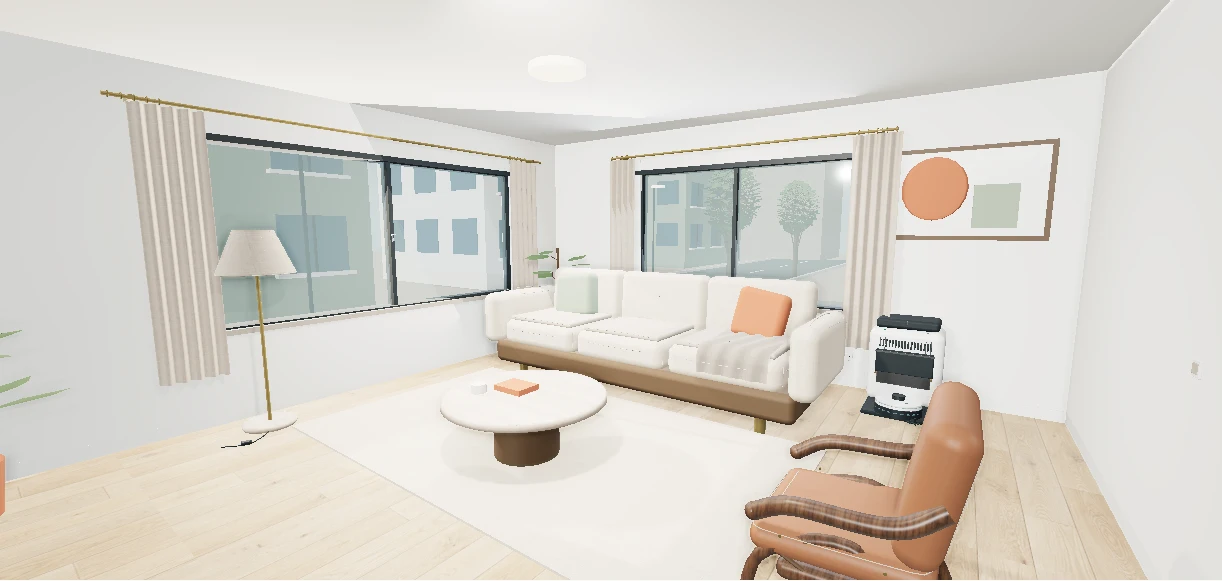
A 3D virtual tour lets you move through a represented space and examine its layout from different viewpoints. On Listin3D, walkable concept scenes and supported property listings run in the browser without requiring a visitor account.
Read the guide