 Listin3D
What is a 3D product viewer?
A 3D product viewer lets you rotate a digital model and inspect it from different angles directly in your browser. It is useful for understanding a product’s form and presentation alongside its photos and written specifications.
3D models, photos and 360° photography
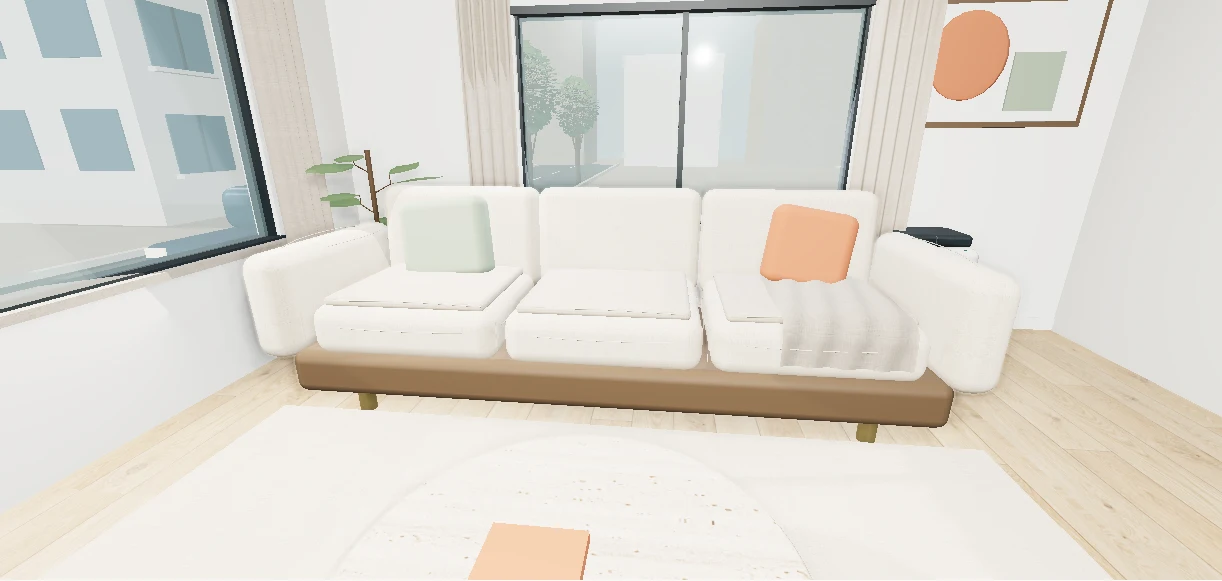
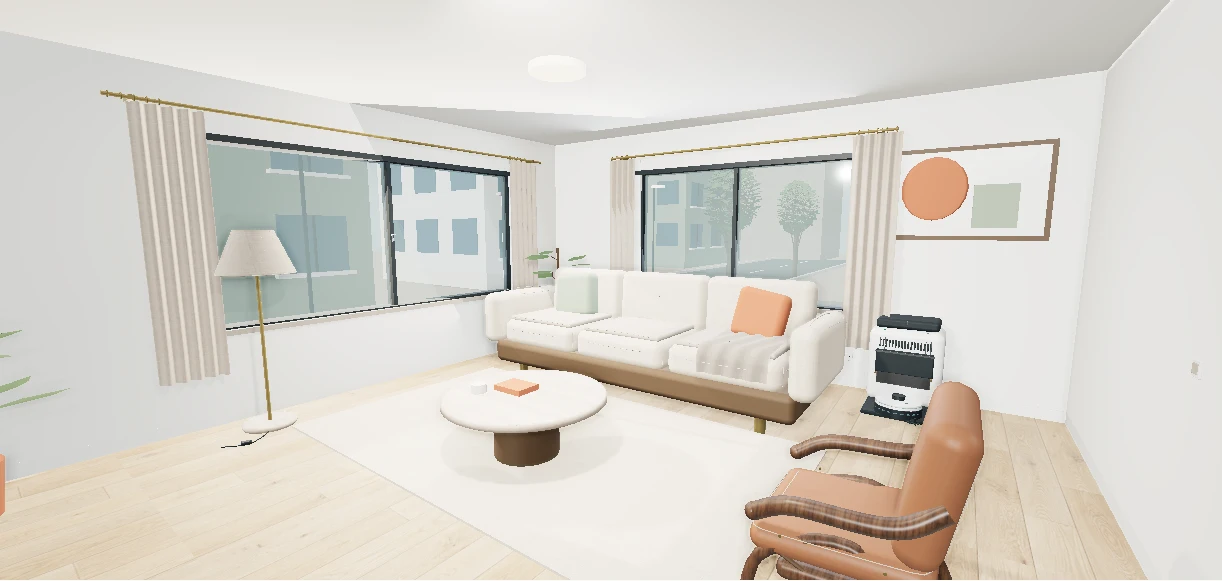
A product photo shows one recorded view. A 360° photo sequence switches between recorded angles. A 3D viewer renders a digital model and lets you change the viewing angle; supported scenes also let you zoom in or see the object in a room.
A model is a representation, not a physical scan or proof of exact dimensions. Read the written measurements and compare the seller’s photos when fit, material or color matters.
How to inspect a product in Listin3D
Open a published product or an interactive example. Use the viewer’s displayed controls to rotate and zoom. A product presented in a home setting may also offer an object-only view so you can inspect it separately.
- Start with the overall shape, then inspect the visible sides and details.
- Compare the model with the product photos and written specifications.
- Check dimensions, condition and the seller’s shopping link.
- Confirm price, stock, delivery and returns on the seller’s website before purchasing.
What sellers should prepare
Create a seller account and a store, then submit at least three photos from different angles with measurements and product details. JPG, PNG and WebP photos are supported. Homes and buildings also need a PDF floor plan.
The team reviews the submission and prepares the 3D scene before an administrator publishes it. Photo-to-model generation is not automatic in this release. Clear reference photos and complete measurements help the team understand your product.
Viewing and sharing on a phone
Visitors do not need an account to open a public product link. They can share the page through a supported device’s sharing menu or copy its link. Interactive scenes need WebGL; photos are available if a device cannot display the 3D view.
Try the coffee-machine example below to compare an object with its surroundings. It is a concept demonstration, not a product offer. For published products, use the catalog to find the actual listing and seller information.
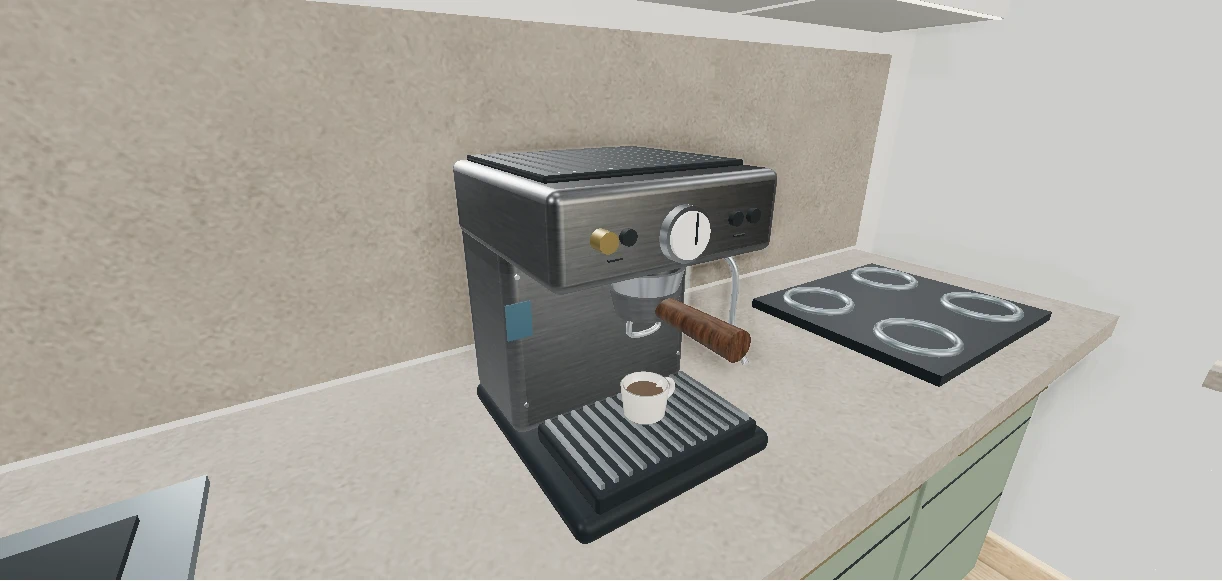 Try an interactive exampleConcept example · Not a sales listing