 Listin3D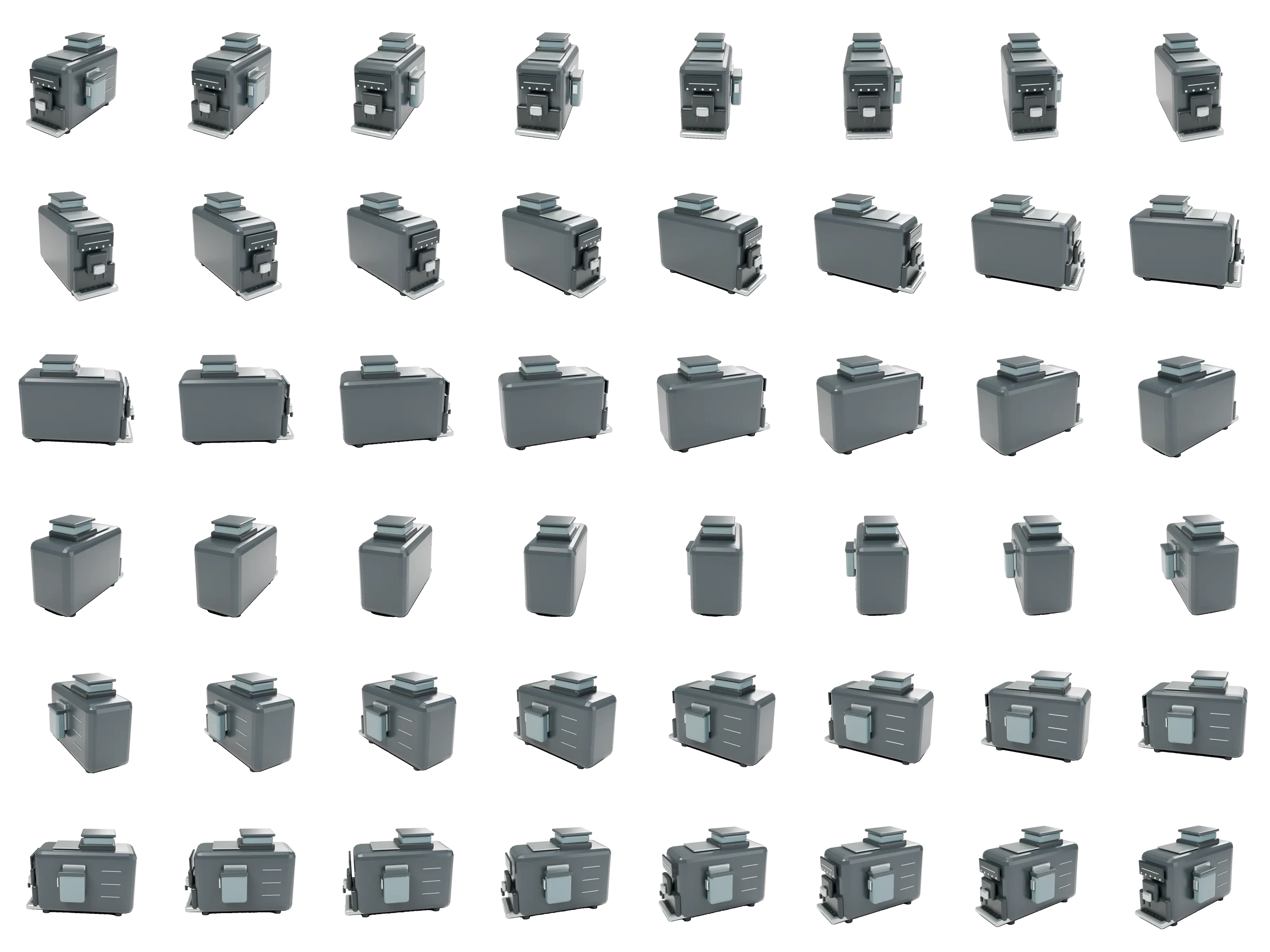
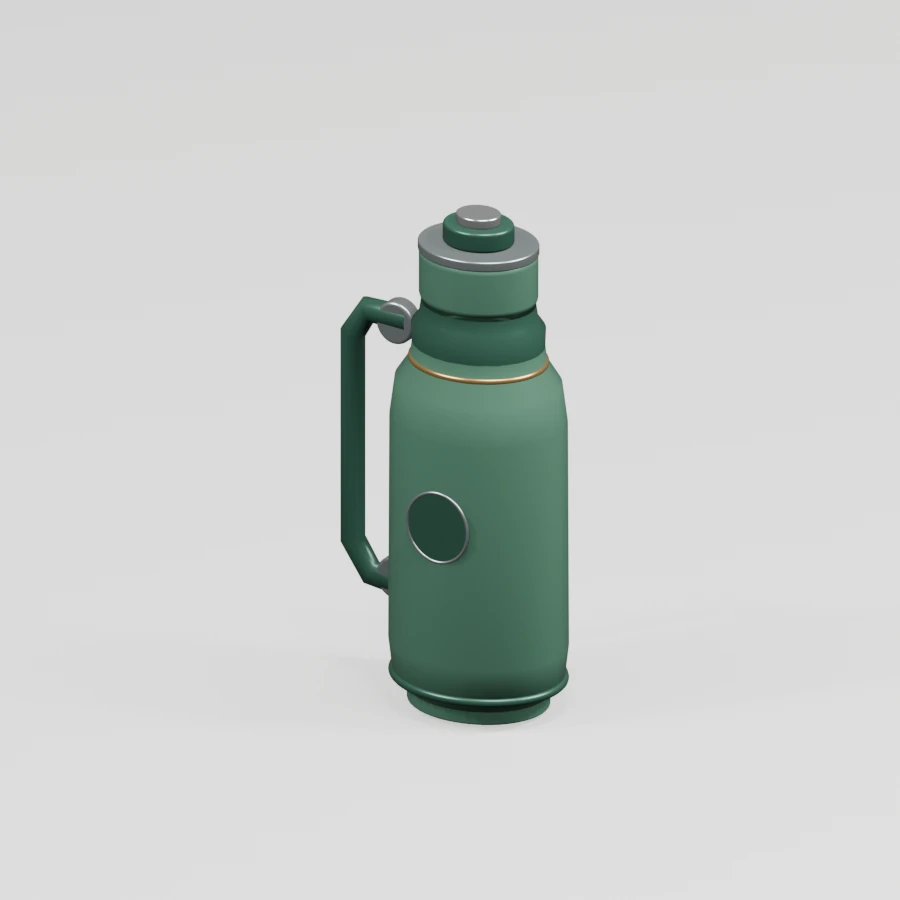
Stanley Classic Vacuum Steel Bottle 2.3 L
A classic 2.3-liter vacuum bottle with a double-wall steel body, pour-through stopper and cup lid. The 3D model is scaled to the nominal capacity; product color and dimensions may vary by variant.
Inspect products from every angle. Explore furniture, home appliances and virtual spaces in your browser, then visit the seller’s website for purchasing details.


Explore products in 360°
Every angle, all in one place.
01The idea
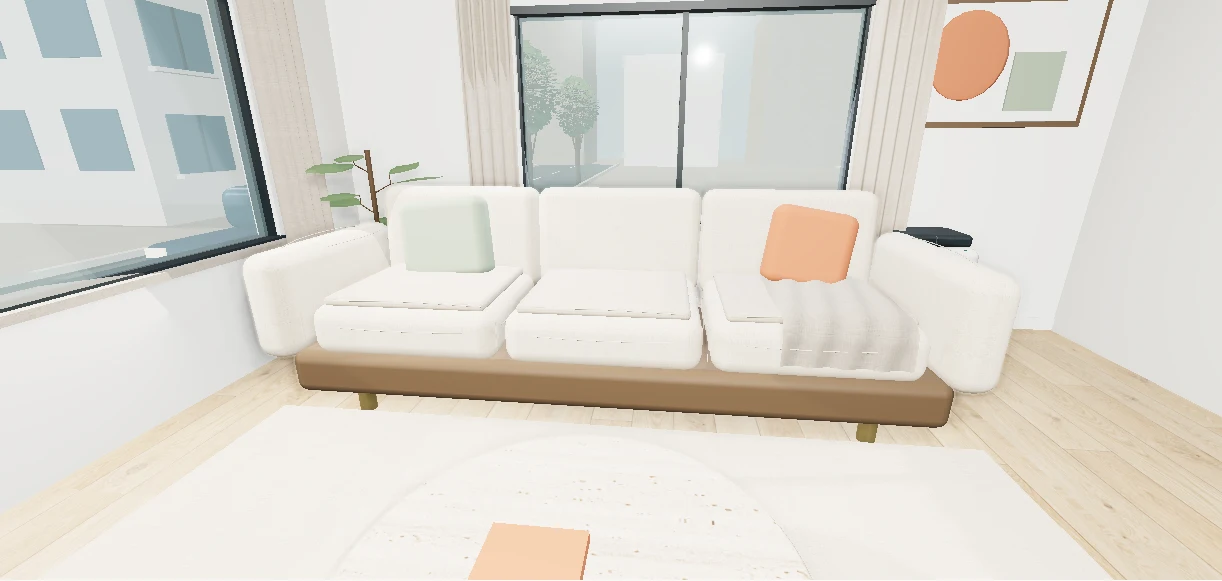
On Listin3D, products are 3D models. Turn them around, zoom in and look behind them, right in your browser, before you decide to buy.
02For shoppers
Looking is free and takes seconds. This is the whole journey, in three steps.
Tap a product link from a store, a chat or a search. It opens in your browser, with no app and no sign-up.
Drag to turn the product, pinch to zoom in, and walk through rooms and showrooms.
Ready to buy? Continue on the seller’s own website. Listin3D never handles your payment.
A classic 2.3-liter vacuum bottle with a double-wall steel body, pour-through stopper and cup lid. The 3D model is scaled to the nominal capacity; product color and dimensions may vary by variant.
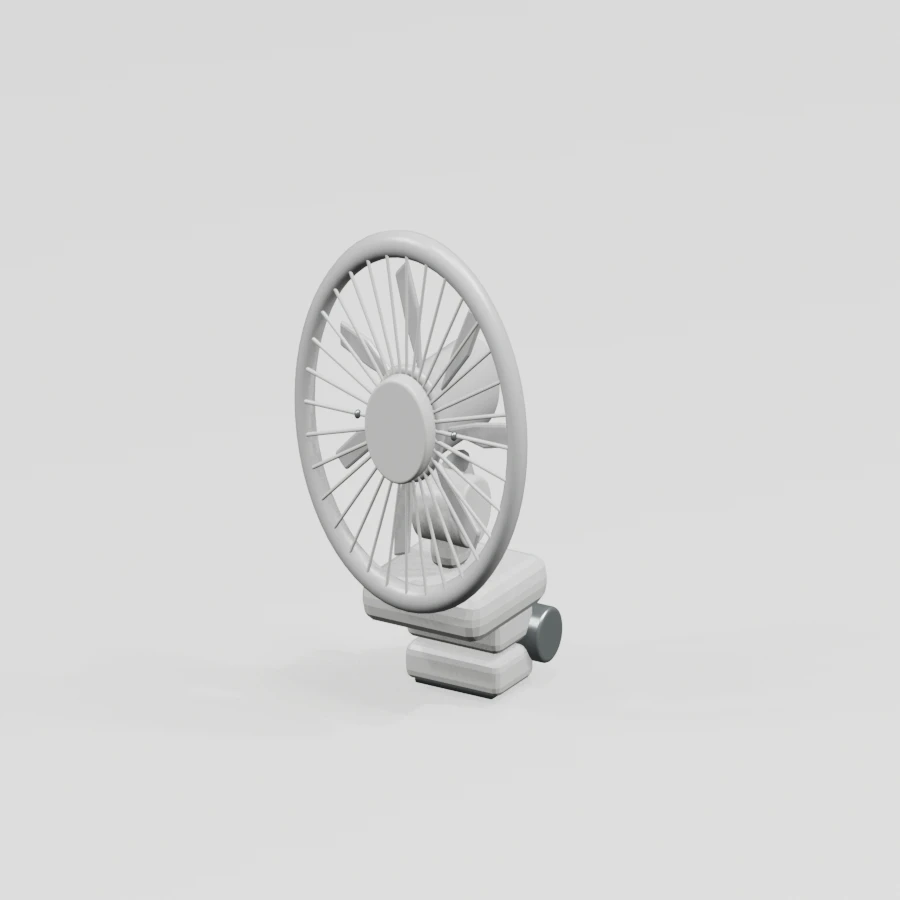
A portable home/office fan with a clamp for the edge of a desk, adjustable neck, rotating fan head, protective wire grille and button-operated base.
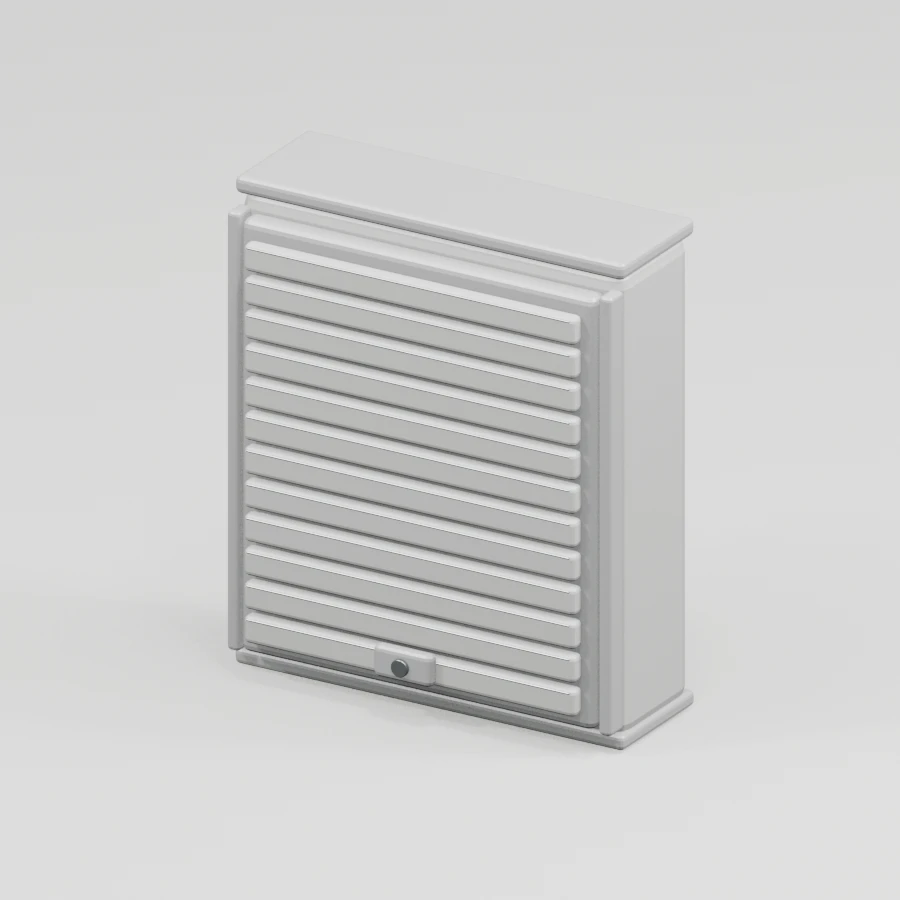
A compact wall-mounted cabinet; the louvered door surface, surrounding frame, lower lock and wall attachment points are shown in the 3D model.
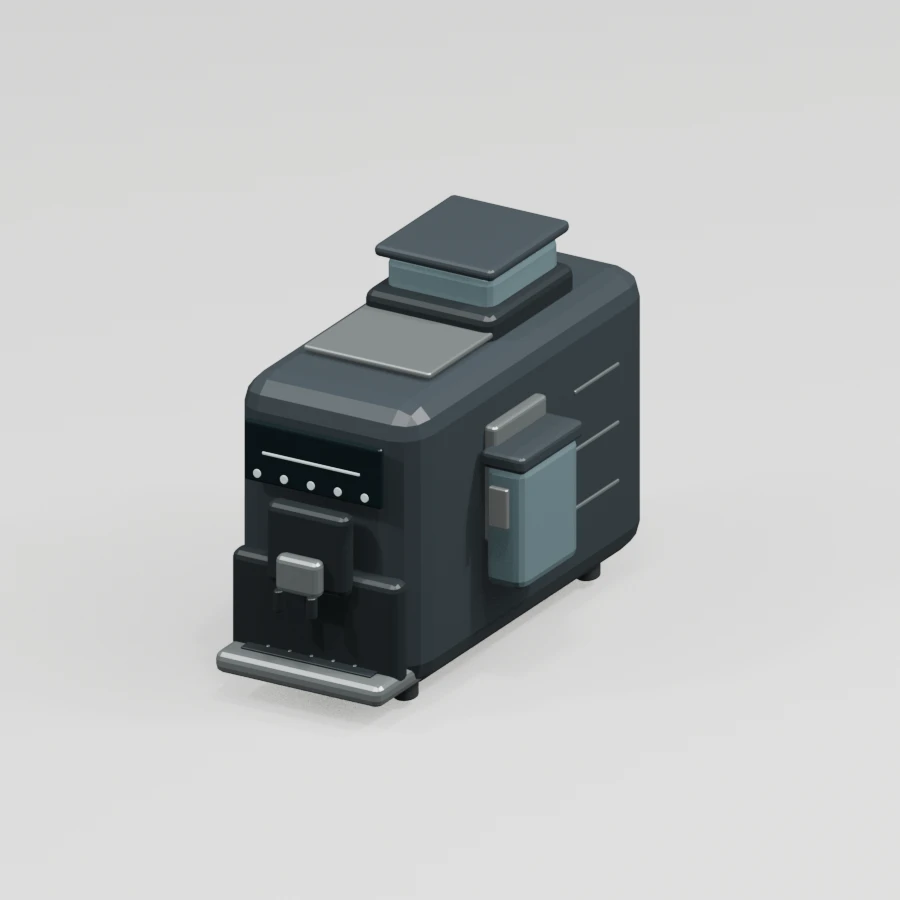
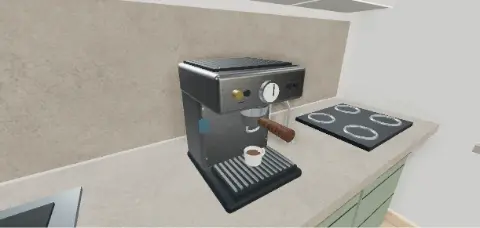
A fully automatic espresso machine offering 20 hot and 8 cold drinks; the LatteGo milk system, touch panel, dual outlet, cup tray and bean hopper are separate parts in the 3D model.
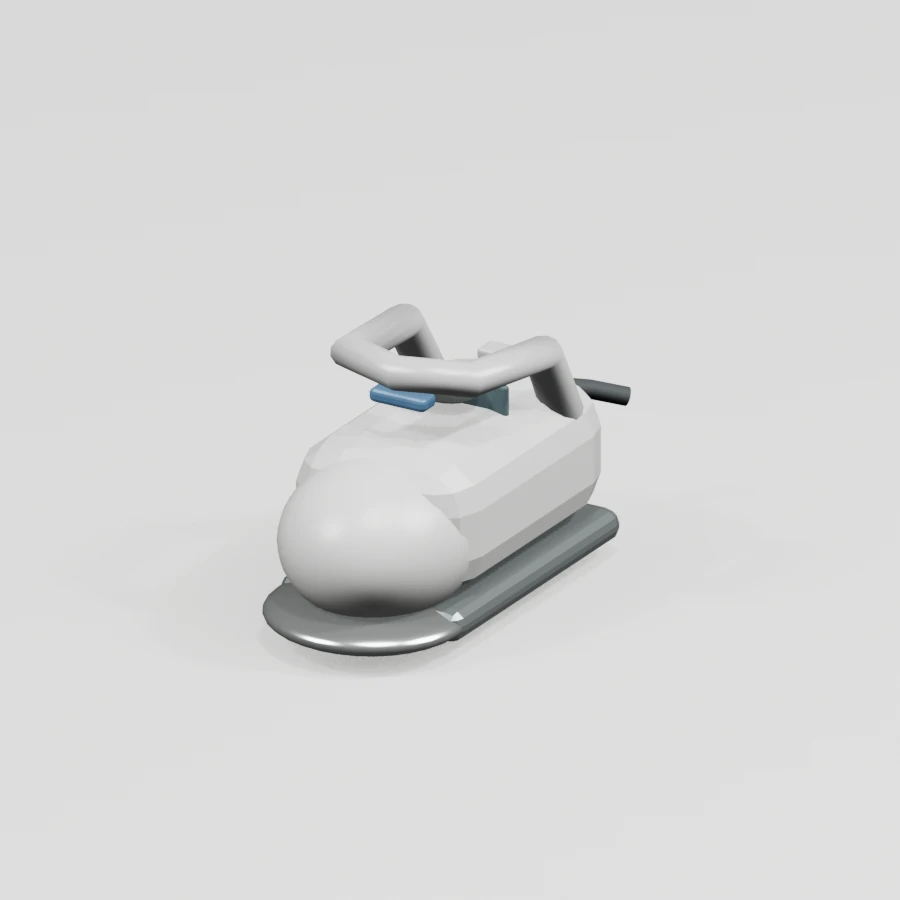
A 3000 W steam iron; the pointed soleplate, steam holes, transparent water tank, adjustment dial, curved handle and flexible cord are included in the 3D model.
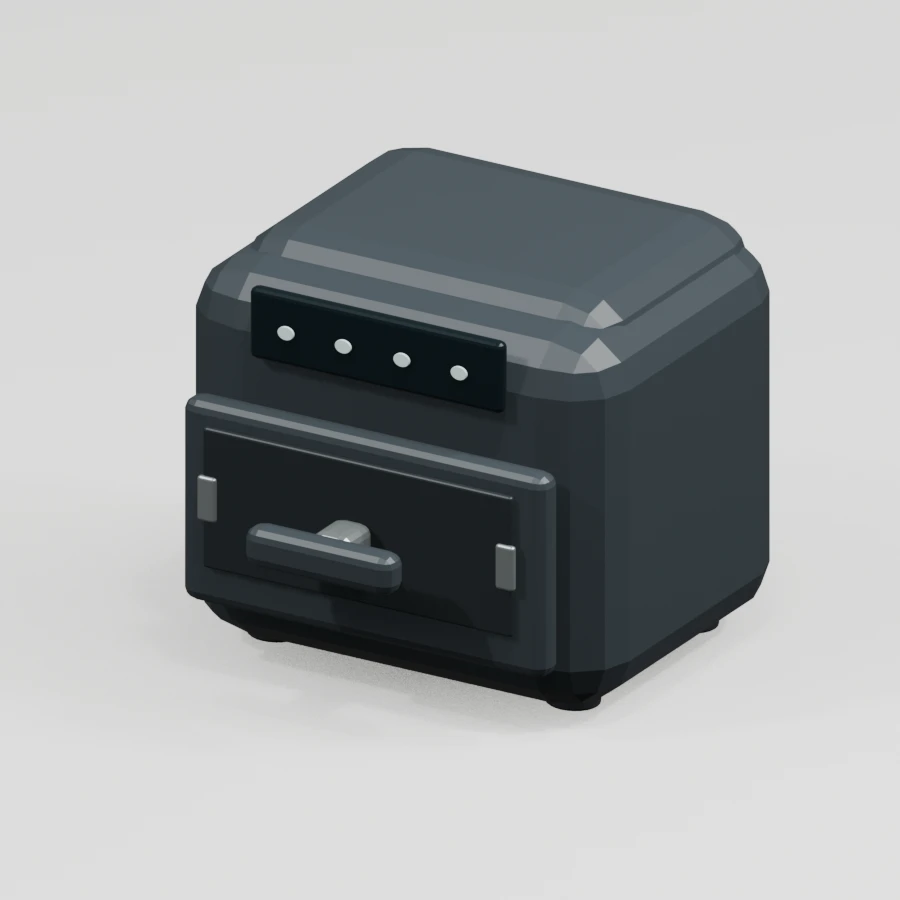
A 4.1-liter drawer-style air fryer; its 7 touch programs, removable cooking basket, front handle, ventilation slots and non-slip feet are shown in the 3D model.
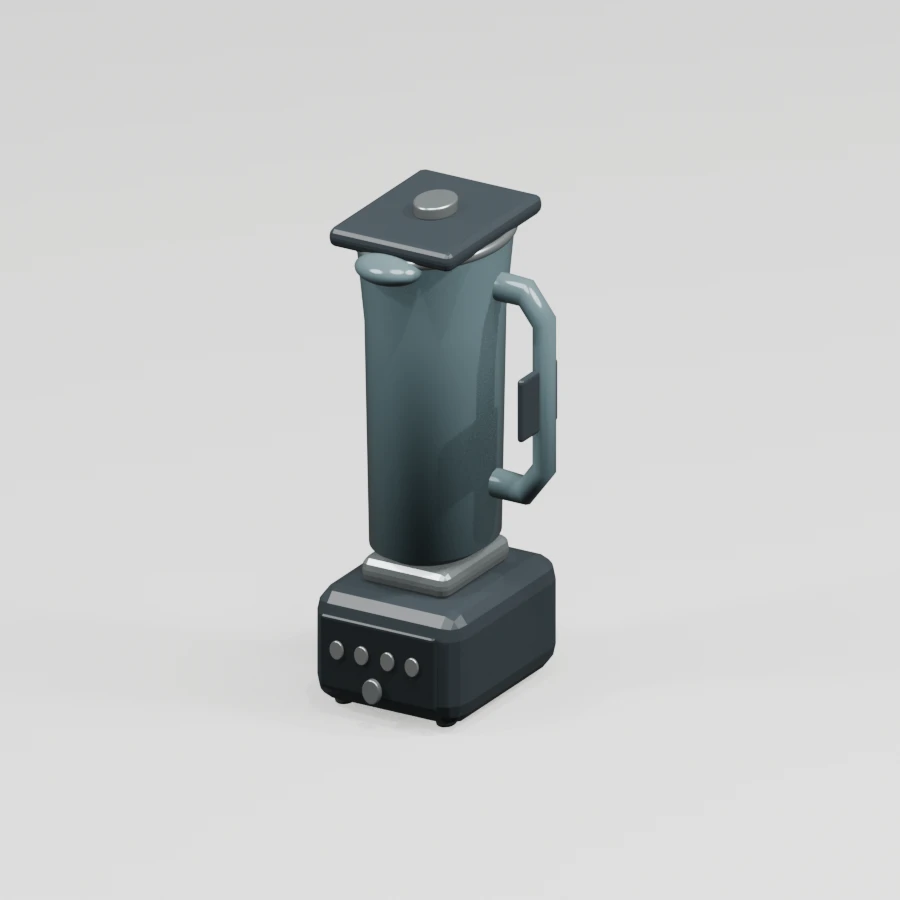
A blender with a 1200 W motor base and 2 L glass jug; its lid, handle, speed/pulse controls, jug locking collar and blade assembly are visible in the 3D model.
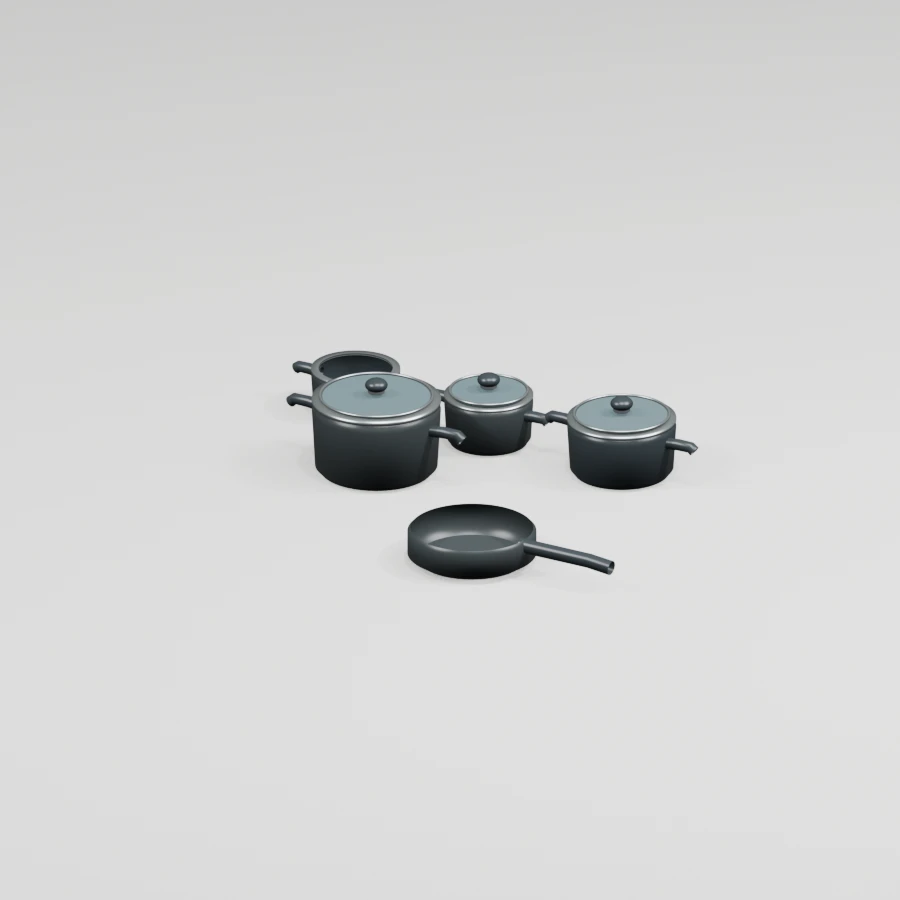
A 13-piece set comprising an 18 cm shallow pan, 18 cm pot, 22 cm pot, 26 cm shallow casserole, 26 cm frying pan and five serving utensils. The five main cooking pieces are modeled as separate 3D objects.
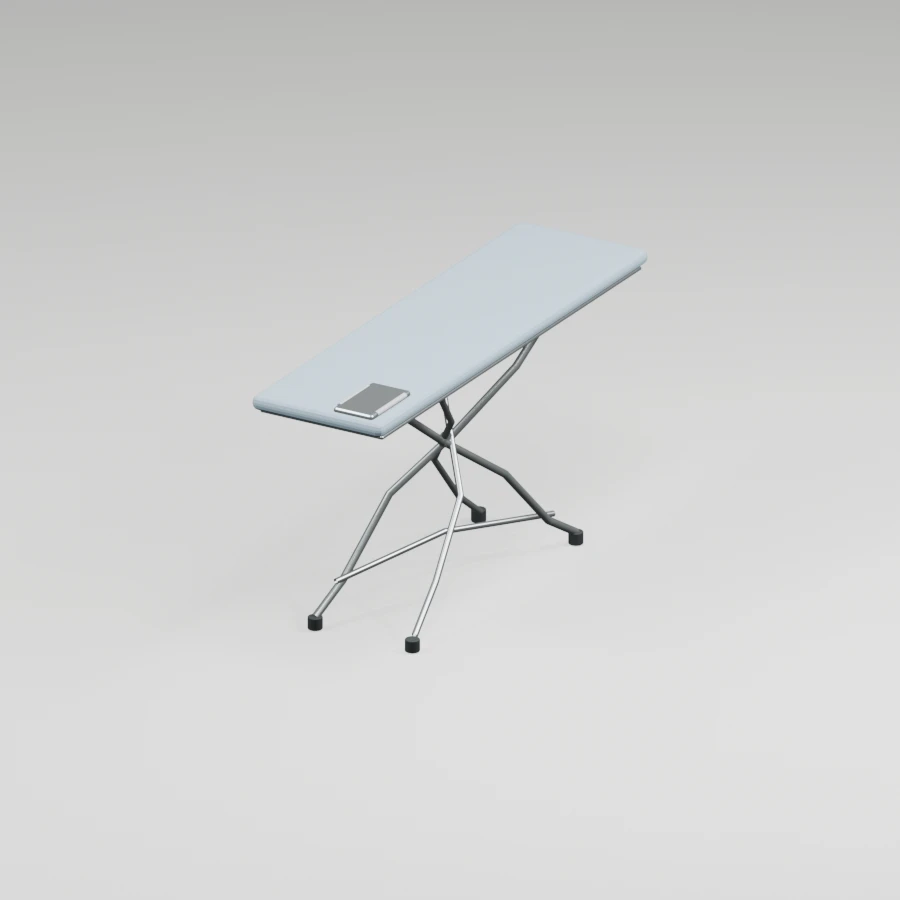
A wide adjustable ironing board with a perforated monobloc body, cross-folding metal legs, silicone iron rest and heat-resistant fabric cover.
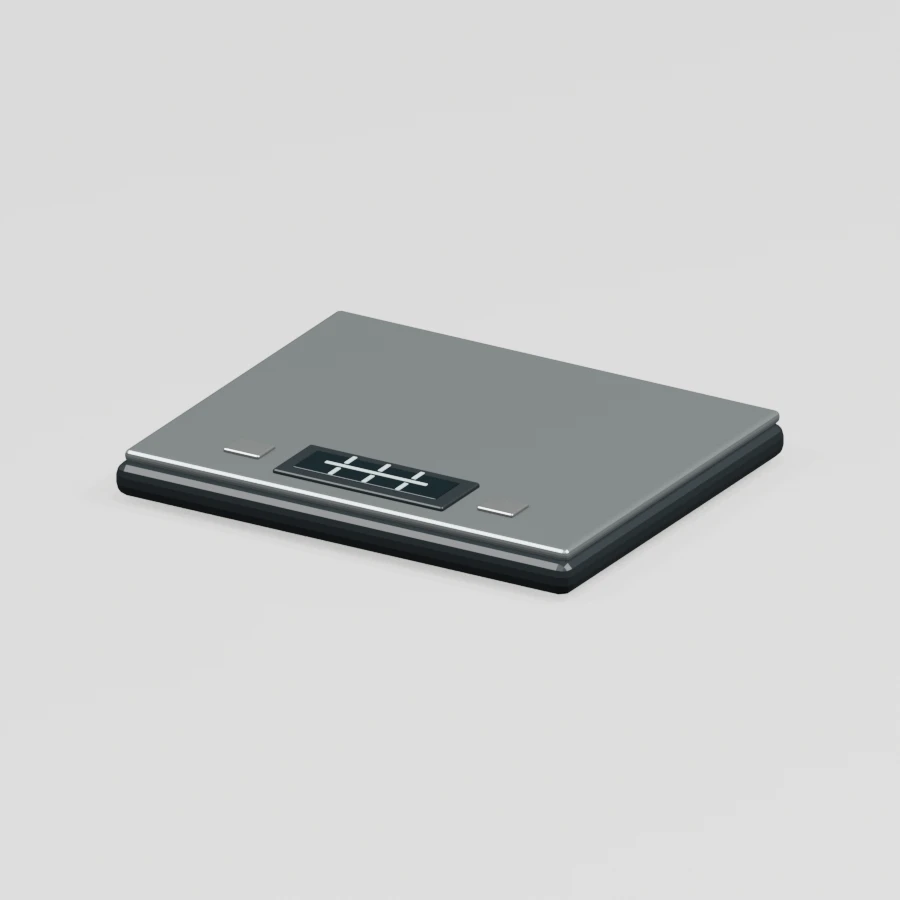
A compact kitchen scale with a thin stainless steel weighing platform, readable LCD, tare control and non-slip feet; its appearance and proportions have been recreated as a model.
04Ways to explore
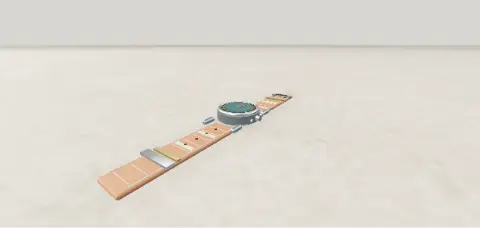
Every listing gets the view that suits it, from a wristwatch to a whole apartment.
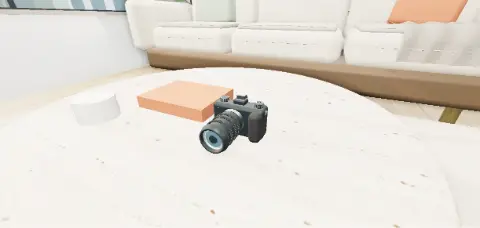
Circle around a product and stop at any angle you like.
Jump to ready-made viewpoints and get close to buttons, seams and finishes.
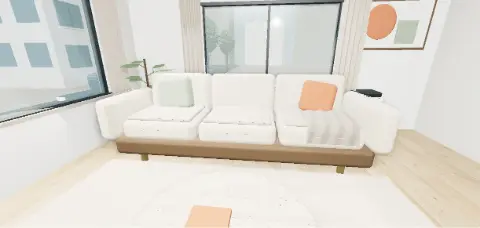
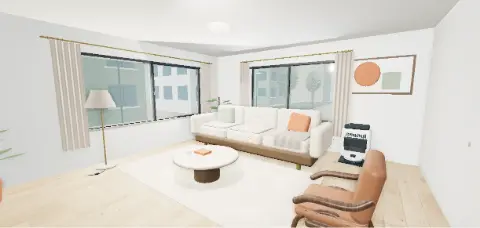
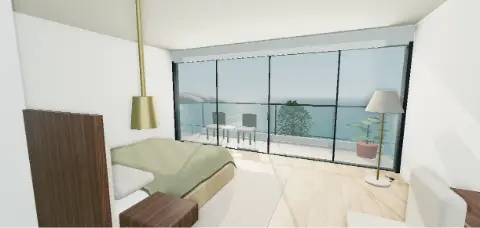
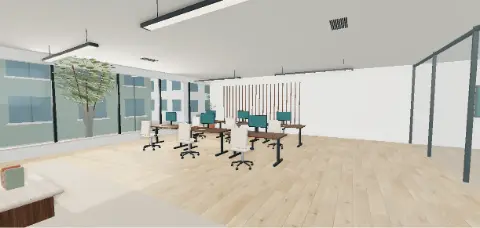
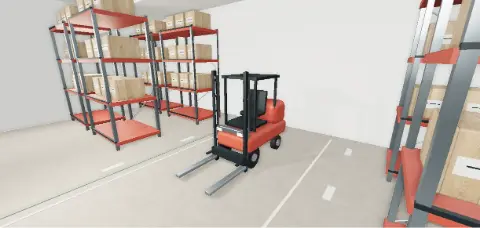
Step inside homes, offices and showrooms and move from room to room.
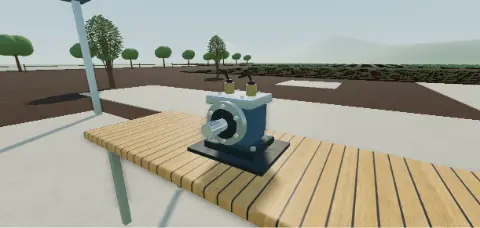
42 interactive examples, from armchairs to excavators.
Try the interactive examples05For sellers
No 3D skills needed. Four steps take your product from a few photos to a page anyone can explore.
Open a seller account, create your store and add at least three photos, measurements and details.
Our team checks your submission and asks for anything that is missing.
Your product is prepared as a 3D scene in a fitting setting. Already have a GLB model? Propose it when uploads are enabled.
An administrator publishes your page. Share the link: buyers explore in 3D and buy on your website.
06AI assistants
Connect your assistant to search products, follow your listings or prepare a draft in plain words. Nothing is published before our team reviews it.
Listin3D’s 3D product visualization service helps sellers present products on a public page with an interactive 3D scene, photos, specifications and a link to their own sales website. Customers open the link in a browser without creating an account. Start with product references, or propose an existing GLB model when model uploads are enabled.
Read the guide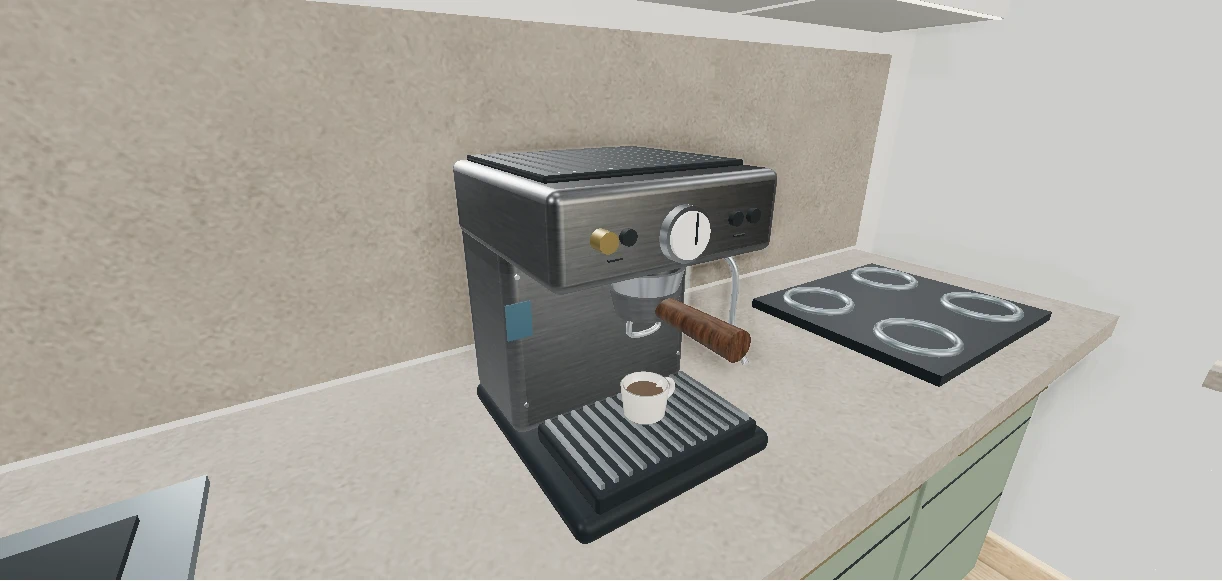
The Listin3D connection lets a compatible assistant search published products and return their 3D page links. With your permission it can also read your favorites and request statuses, save products or prepare a listing draft. Custom connection availability depends on your ChatGPT or Claude account and workspace settings.
Read the guideA 3D product viewer lets you rotate a digital model and inspect it from different angles directly in your browser. It is useful for understanding a product’s form and presentation alongside its photos and written specifications.
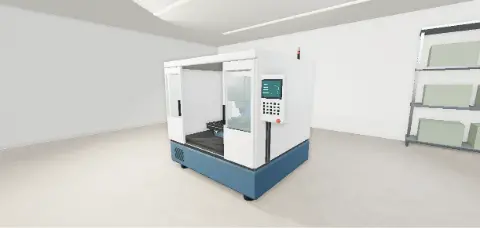
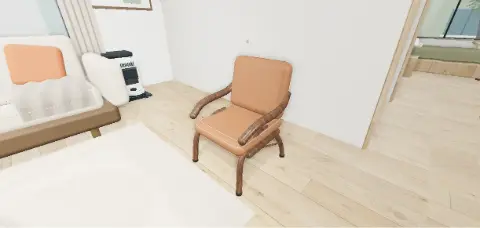
Read the guideA virtual showroom is a digital space where visitors can explore products in a surrounding environment. A chair beside a table or an appliance in a kitchen can communicate context that a standalone image leaves out.
Read the guide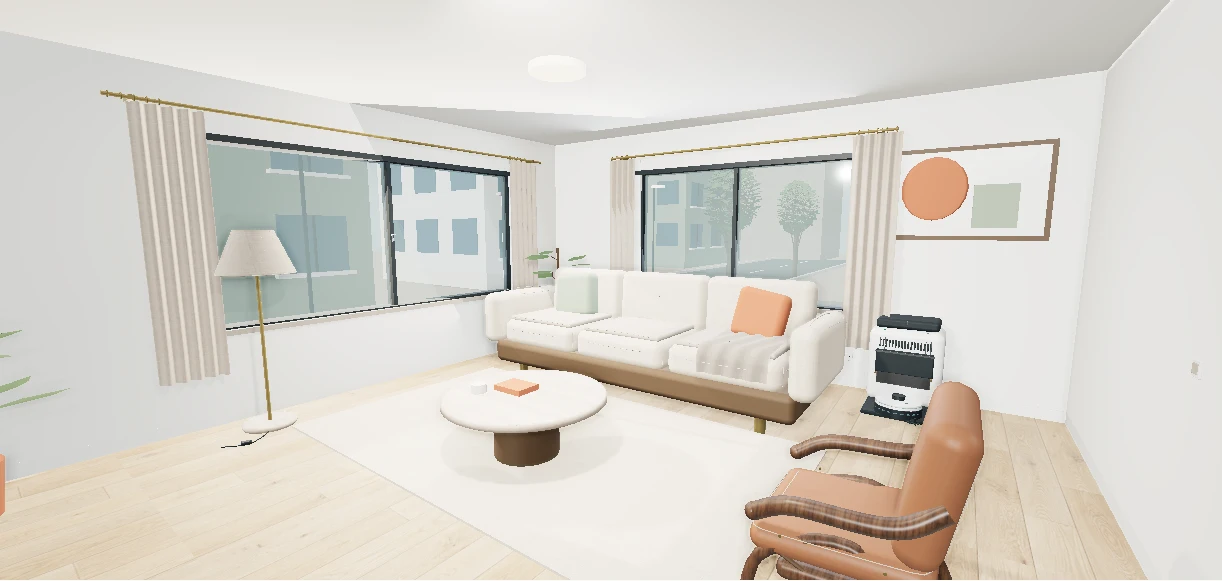
A 3D virtual tour lets you move through a represented space and examine its layout from different viewpoints. On Listin3D, walkable concept scenes and supported property listings run in the browser without requiring a visitor account.
Read the guideA 3D product viewer displays a digital model that you can rotate and inspect from different angles. On Listin3D, a published listing combines the available 3D scene with photos, measurements, product details and a seller link.
A virtual showroom places products in a digital setting so you can examine their relationship to a room or surrounding objects. It helps explain the presentation; it does not guarantee real-world fit, exact colors or current stock.
No account is needed to open a public listing or try the interactive examples. Use the share button or copy the product link. On supported devices, the share button opens your device’s sharing menu.