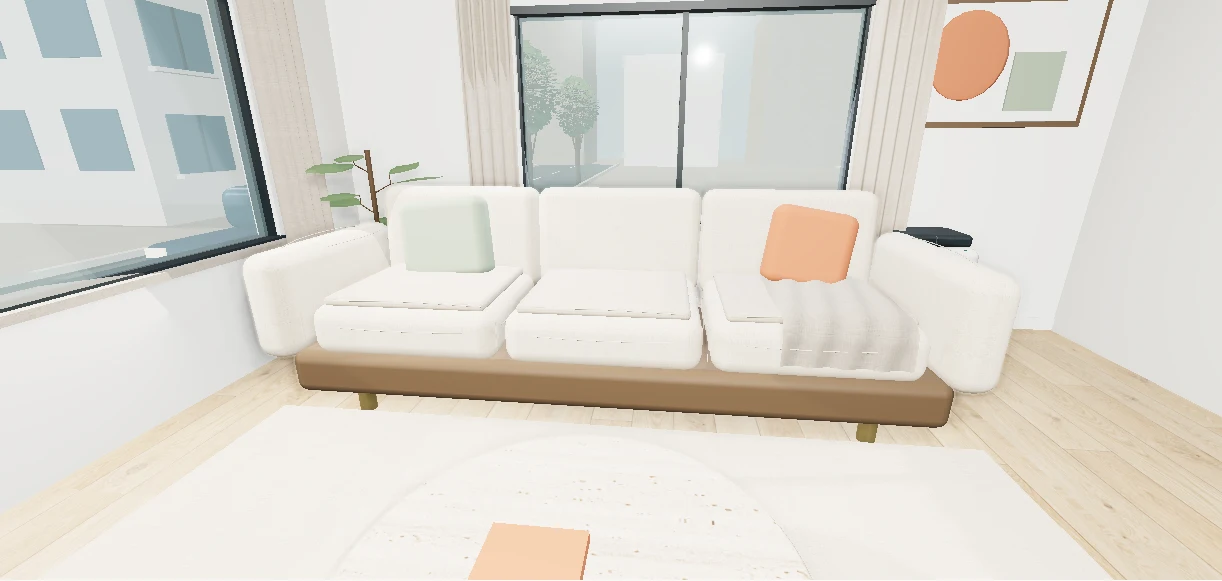
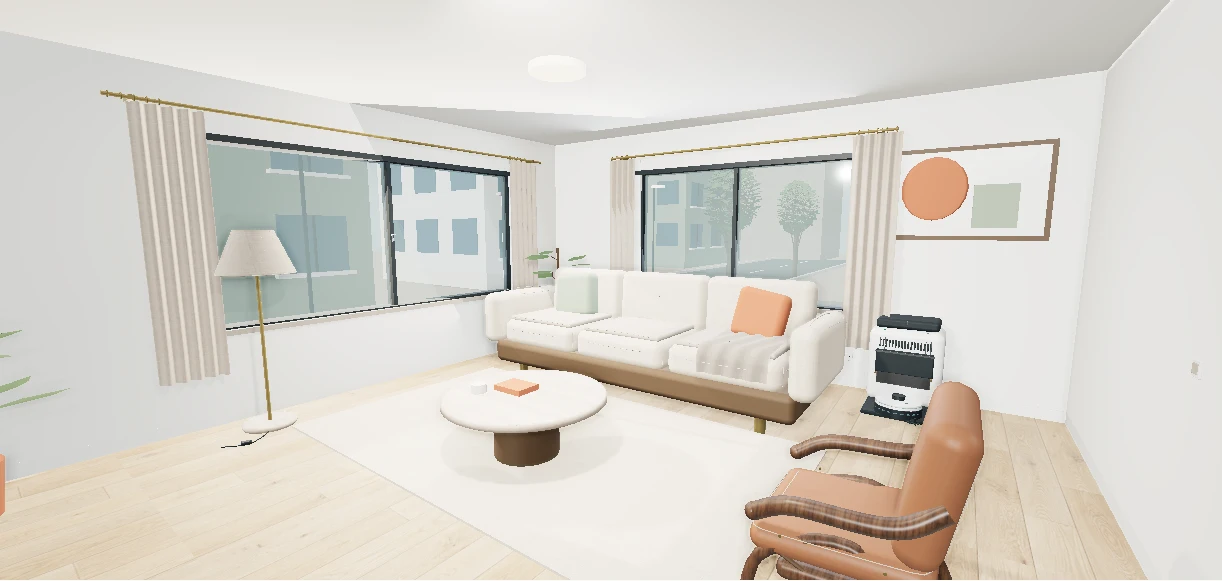
 Listin3D
How can I use Listin3D with ChatGPT or Claude?
The Listin3D connection lets a compatible assistant search published products and return their 3D page links. With your permission it can also read your favorites and request statuses, save products or prepare a listing draft. Custom connection availability depends on your ChatGPT or Claude account and workspace settings.
Connect your account and choose permissions
Open the connection setup page below for the current ChatGPT and Claude instructions. Add Listin3D as a custom connection using https://listin3d.com/mcp, sign in to Listin3D when prompted and review the requested permissions. You do not need to give your password or an API key to the assistant. A custom connection is separate from a public provider directory listing.
Public product search does not need access to your private requests. Account reading, favorite changes and draft creation have separate permissions on the consent page. Enable only the operations you want. You can review and revoke connected access from Listin3D’s Connections page; a revoked assistant must reconnect before reading private data again.
Ask for products you can inspect in 3D
Try: “Find furniture on Listin3D. Show the published dimensions and product links, and tell me what information is missing.” Add a product name, category or city when relevant. Ask the assistant to check additional result pages before concluding that nothing matches; each search reads only part of the catalog.
Then ask: “Compare these two products using their listed dimensions and materials. Do not assume a missing specification.” Open the returned product pages to rotate the available 3D scenes and inspect the photos. The interactive viewer opens on Listin3D, not inside the assistant conversation. Confirm current price, stock and purchase terms on the seller’s website.
Save a product or prepare a seller request
After connecting the appropriate permissions, try: “Save this product to my favorites,” or “Show my listing requests and explain the team’s latest feedback.” These operations use your own account. The connection does not give an assistant access to other sellers’ private submissions or administrator tools.
For a new listing, try: “Help me prepare a draft for my sofa. Ask me for the missing required information, then give me the draft link.” Draft creation requires a verified seller account and an existing store. A draft is not submitted or published: open its website link to upload photos and any required plan, review the details and give publication consent. You can also ask: “Send the GLB model or Three.js scene you made to this listing for 3D review.” The assistant checks the file requirements first; Listin3D staff review, place and publish the 3D proposal.
If a task cannot be completed
If the assistant asks you to reconnect, open Connections and check the account and permissions. If draft creation is unavailable, verify your email and complete your seller store setup. If the host does not offer custom connections, you can still use the public catalog and your dashboard directly in the browser.
The connection cannot pay for products, publish a listing or generate a 3D model from a photo. Use it to find published information and prepare supported tasks, then follow the website’s review steps. Treat an assistant’s summary as a starting point and check the linked product page when a detail affects your decision.
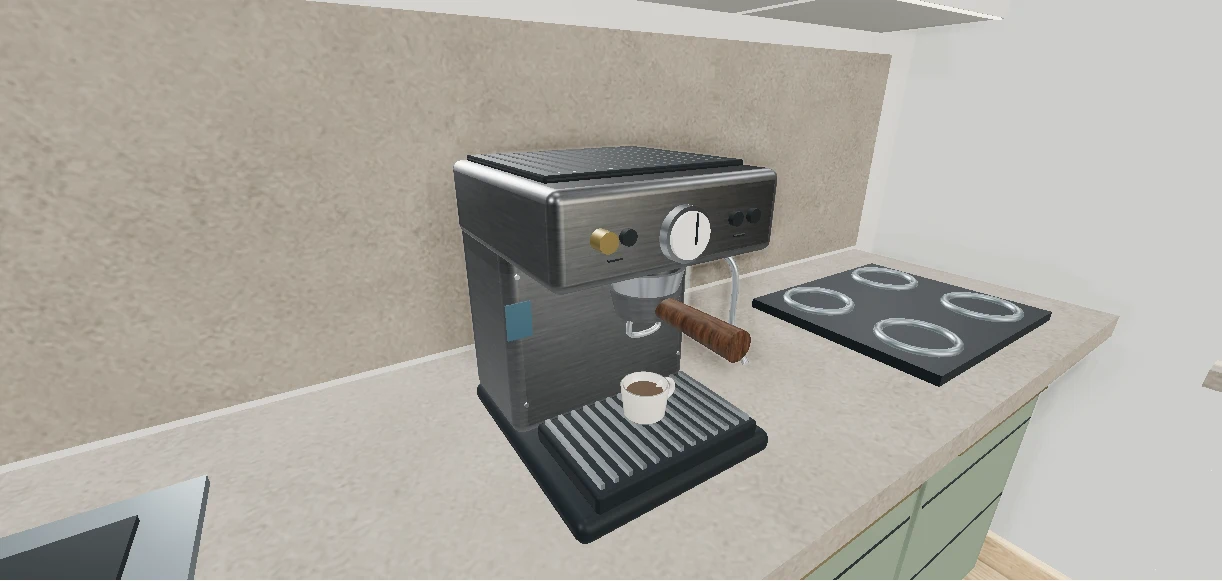 Try an interactive exampleConcept example · Not a sales listing