 Listin3D
How does a 3D virtual tour work?
A 3D virtual tour lets you move through a represented space and examine its layout from different viewpoints. On Listin3D, walkable concept scenes and supported property listings run in the browser without requiring a visitor account.
A 3D space and a panoramic photo tour
A panoramic tour shows photos taken from fixed locations. A walkable 3D scene renders a digital environment and lets you move through its supported navigation area. Both can help explain a space, but they provide different kinds of visual evidence.
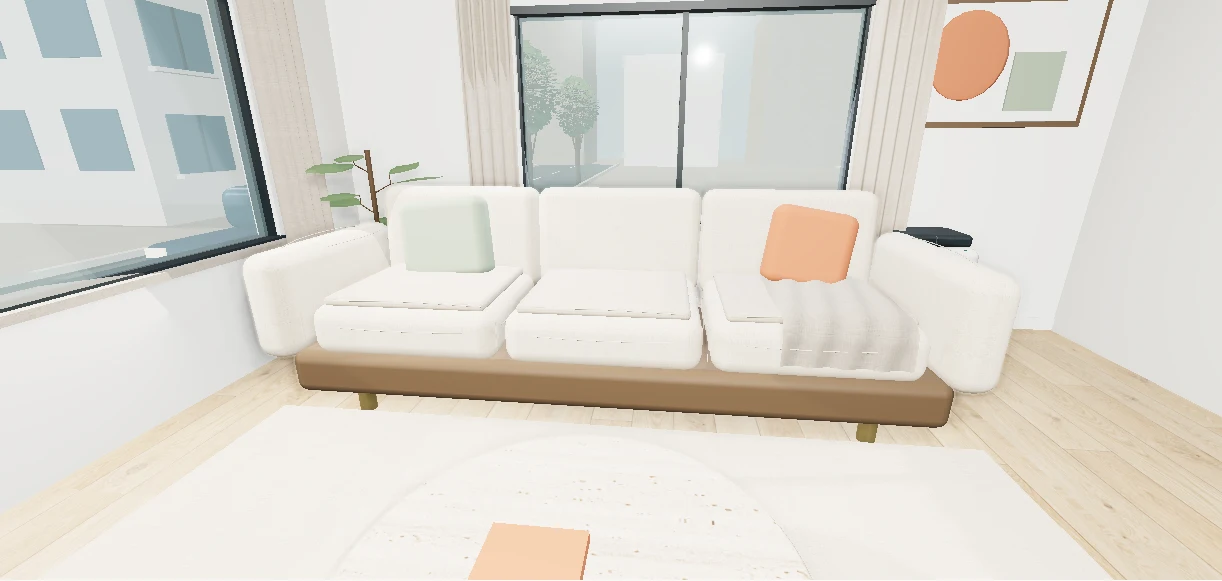
The Listin3D apartment example is an authored concept scene, not a scan of a property for sale. Treat models as representations and compare actual property photos and floor plans before making decisions.
What to inspect during a virtual tour
Start with the room layout and the route between rooms. Look at openings, furniture placement and how the represented spaces connect. Follow the viewer’s on-screen navigation instructions; controls differ between phones and computers.
- Examine the overall layout before focusing on decorative details.
- Compare room relationships with the supplied floor plan.
- Read the listing’s measurements and compare its property photos.
- Confirm important dimensions, condition and current information with the seller.
Prepare a home or building submission
Homes and buildings require a PDF floor plan as well as at least three different photo angles. Include clear measurements and an accurate description. Remove personal information, full addresses and sensitive details from plans before uploading.
The team reviews the reference materials, requests additional information when needed and prepares the scene for administrator publication. This release does not automatically create a measured property scan from photos.
Open and share the tour on different devices
Share a public listing using its share button or copied link. Visitors can open the page without an account. WebGL support is required for the interactive scene; device capabilities affect performance, and property photos provide an alternative.
Try the apartment example below to experience browser-based navigation. For a real property, a virtual tour complements written information and a physical inspection. Any purchase or agreement takes place with the linked seller, outside Listin3D.
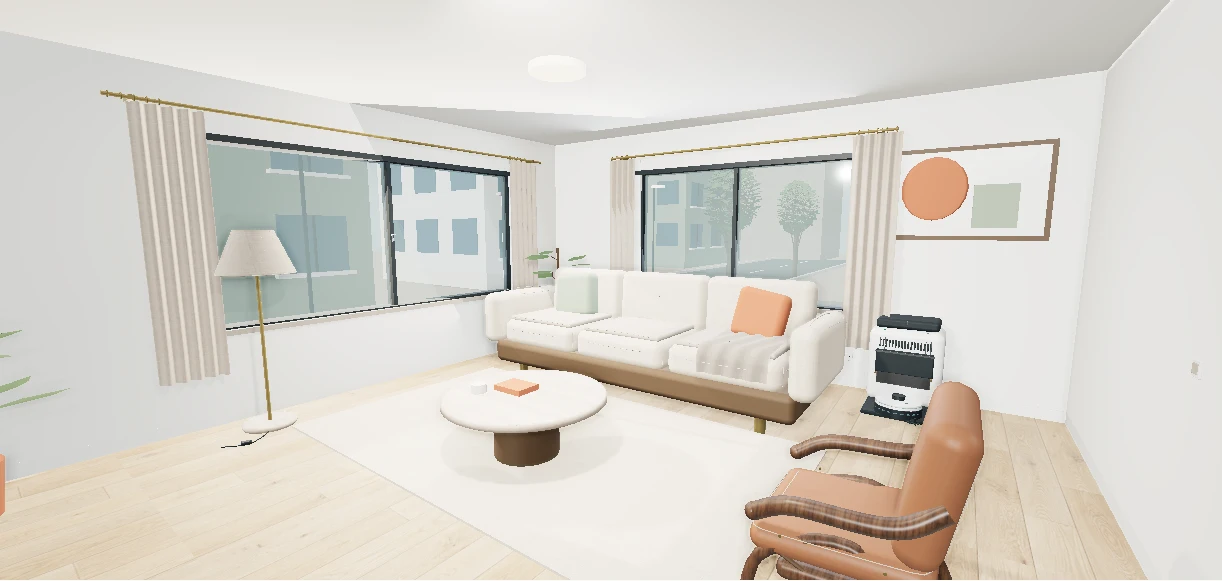 Try an interactive exampleConcept example · Not a sales listing