 Listin3D
3D product visualization for your online store
Listin3D’s 3D product visualization service helps sellers present products on a public page with an interactive 3D scene, photos, specifications and a link to their own sales website. Customers open the link in a browser without creating an account. Start with product references, or propose an existing GLB model when model uploads are enabled.
Choose the presentation your customer needs
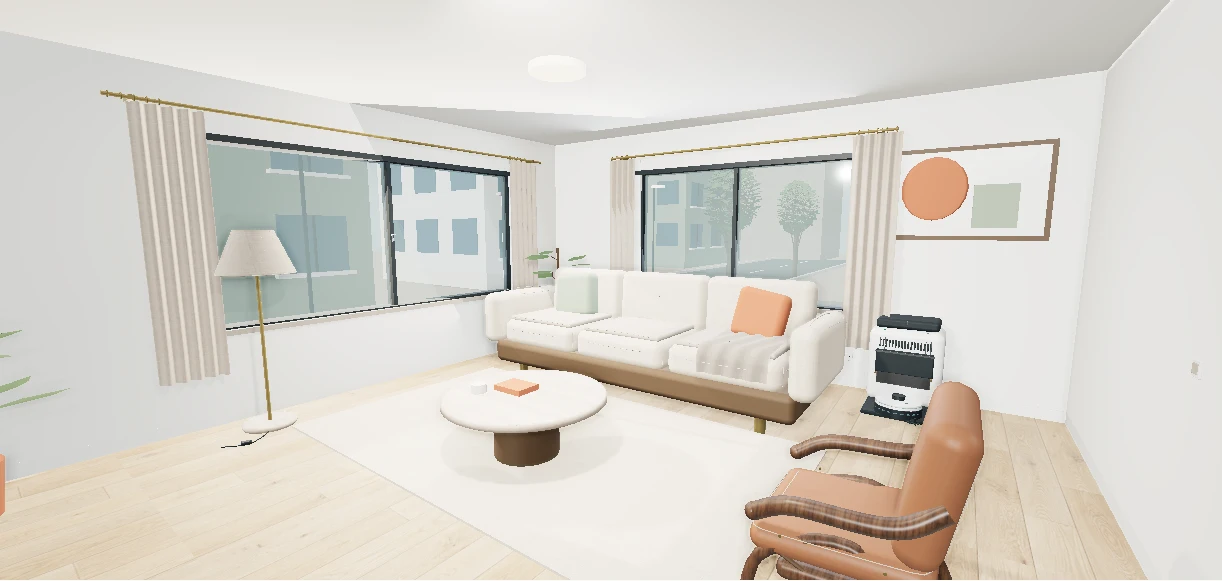
For a furniture shop, a customer may want to inspect the back of a sofa and understand its proportions in a room. For equipment, they may want to rotate the object and read its dimensions. For a property, they may want a represented space and a floor plan. Choose an example that matches the question your customer needs answered.
Listin3D provides a hosted product page you can share alongside your existing sales channel. A virtual room illustrates context; it does not measure the customer’s home. Check written dimensions and real photos before drawing conclusions about fit, materials or color. Purchases, stock, delivery and returns remain with the seller.
Prepare a request even if you have no 3D model
Create a seller account, verify your email and set up your store. Prepare at least three clear JPG, PNG or WebP photos from different angles, the product name, measurements and category details. Include the intended seller link. Homes and buildings also require a PDF floor plan, and you must have permission to share the materials.
For example, a sofa request should distinguish width, depth and height, show the front, side and back, and identify its material and condition. The team reviews your references and prepares the scene. This is a reviewed production workflow, not instant AI generation from a photo; do not promise a customer a delivery date before the team confirms it.
- Save the product details and upload the required references.
- Check the information and publication consent before submitting.
- Follow the request status and respond to any revision feedback in your dashboard.
- Wait for production and administrator publication before sharing a public product link.
Already have a GLB model?
When seller model uploads are enabled, a verified seller can propose a GLB file up to 50 MB for an eligible existing request. Open the request in your dashboard, use its model upload control and confirm your rights to the file. A model proposal accompanies the listing; it does not replace the required photos and product information.
The proposed file stays private during review. The team checks it and prepares the public 3D environment; an upload alone does not publish or replace the live experience. If the upload control is unavailable, follow the status or availability message on the request. Keep textures and geometry practical for mobile viewing and check that the model matches the written dimensions.
Share a useful product link, then check the result
After publication, open the listing as a visitor. Check its photos, description, measurements, 3D controls and seller destination. Use the share button or copy the link into a customer conversation, email or your own website. The customer can explore the public page without signing in; interactive viewing requires a device with working WebGL support.
Use the furniture example below to try the interaction before preparing a request. It is a concept demonstration, not a customer case study or a sales offer. Evaluate your own results using qualified enquiries and visits to your sales page; a 3D presentation does not guarantee sales, a conversion uplift or a search position.
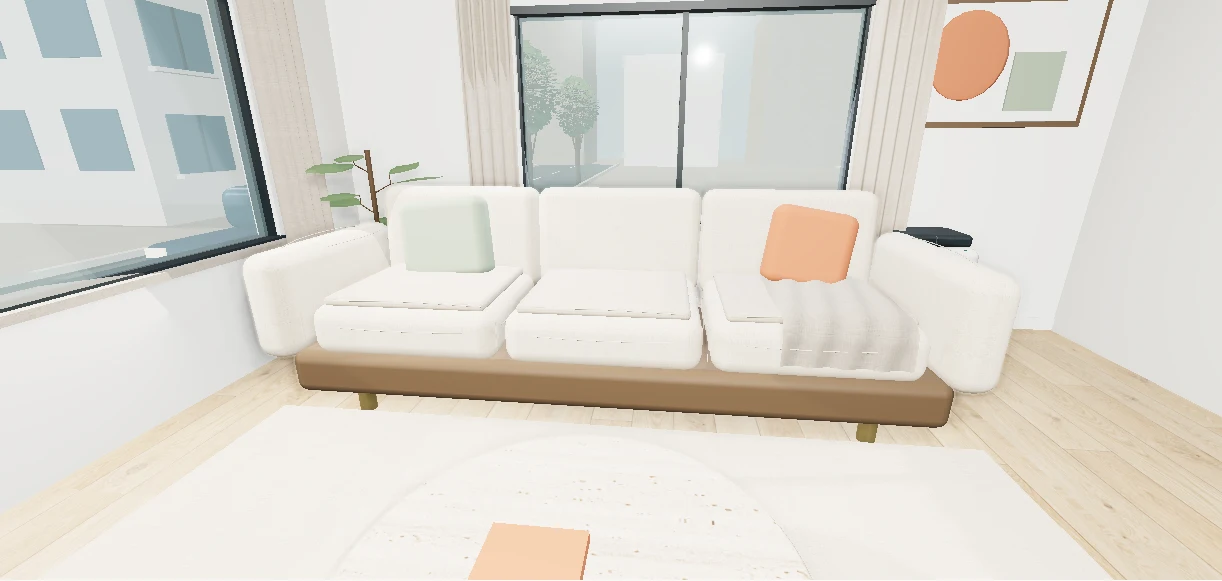 Try an interactive exampleConcept example · Not a sales listing